

Congratulations! Baylor is proud of your accomplishments.
Step 1: Apply to Graduate
Apply to Graduate in BearWeb
- Graduation Application Deadlines:
- Fall - October 1st
- Spring - March 1st
- Summer - July 1st
- Work with your Degree Planner if you have questions.
Step 2: Now let's get ready for your graduation ceremony.
The information below will help guide you through the Commencement Participation Registration and Diploma Name Verification process.
Tassel Hub Instructions
All degree candidates should complete the Commencement Registration Form in the Tassel Hub, regardless of ceremony participation.
- Tassel is our vendor who prepares the Stage Pass, Graduate Cards, and the big screen display for the ceremony.
- All degree candidates on the Commencement Participation List (CPL) will receive an email asking them to complete the Commencement Registration Form.
Set-up Tassel Hub account
- Degree candidates will be prompted to set up a password for access to the Tassel Hub system.
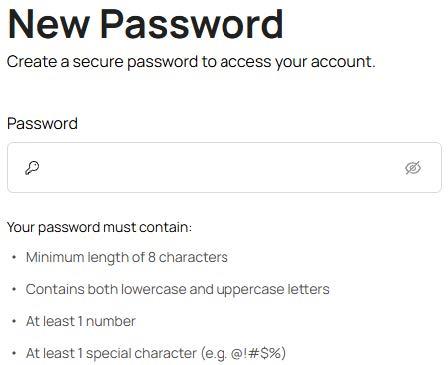
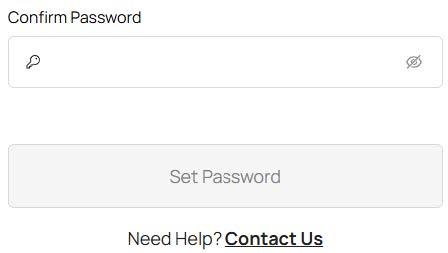
If a degree candidate who is not included on the CPL tries to create an account in the Tassel Hub, they will not be allowed to continue.
View Ceremony details on the Degree Candidate Home screen
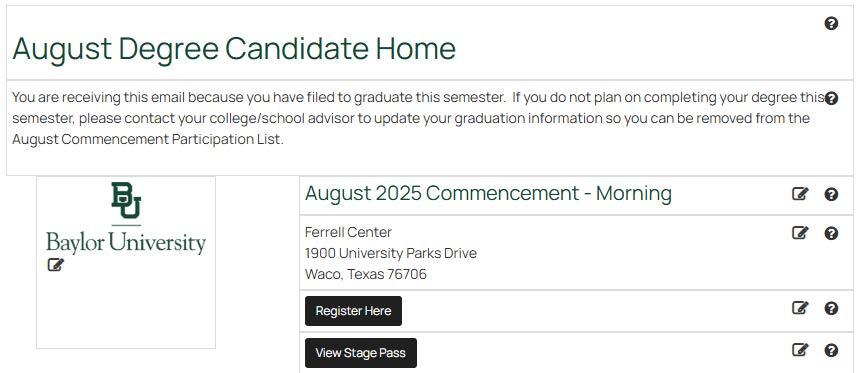
Register for the Ceremony using the Commencement Registration Form
- click Register Here
View Ceremony Details
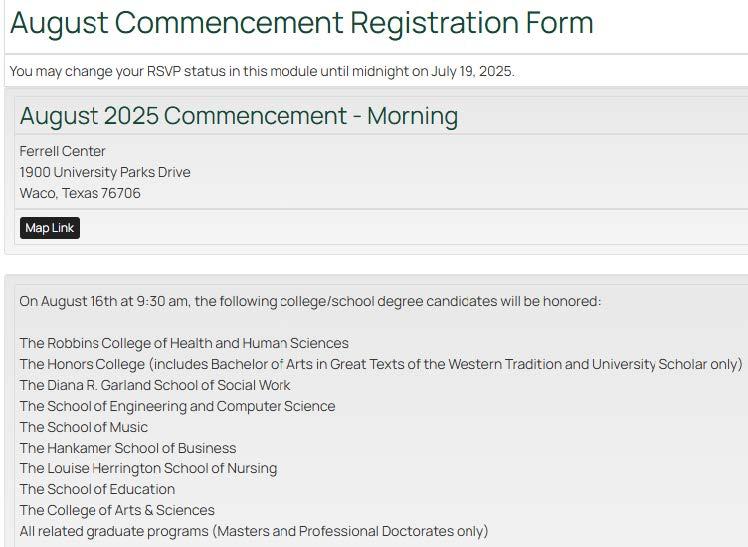
Verify Diploma Name and RSVP to the Ceremony
All degree candidates whether attending or not attending must approve the Full Name on File that will be used in the printed program and printed on the diploma once degrees are awarded.
Each degree candidate must RSVP for the ceremony.
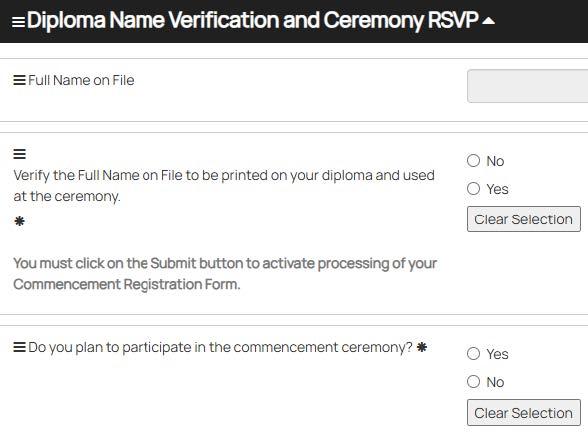
If No is selected for the Full Name on File, you will be prompted to update your preferred name for the Diploma AND Ceremony.

If you RSVP that you will be attending the ceremony, you will be prompted to clarify name pronunciation by entering phonetic assistance for the reader if desired.

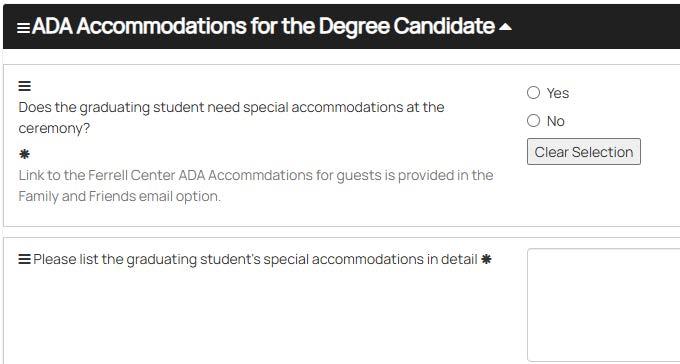
ADA Accommodations for the Degree Candidate
Provide details about ADA needs. Any special accommodations submitted will be processed by the Commencement Team so we will be prepared the day of the ceremony.
Share Your Graduation Details with Family and Friends
- This option allows the degree candidate to send important ceremony information to any email(s) they enter in this form.
- There is no limit to the number of email addresses that can be entered.
- The degree candidate must enter the complete email address in the Add Email Address box and hit Enter after each address.
- The Family and Friends email(s) will be sent to the recipients once the degree candidate submits the August Commencement Registration Form.
- This option allows the degree candidate to send important ceremony information to any email(s) they enter in this form.
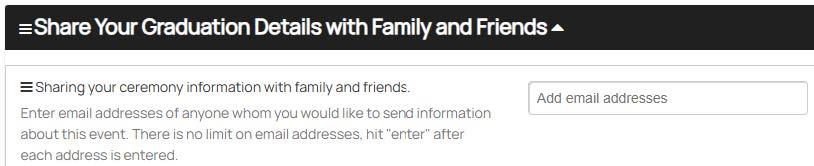
Changes to Tassel Hub after initial submission will send new emails to all Family and Friends.
Degree Conferral and Latin Honors
- Graduating with Latin Honors
- For Commencement ceremony purposes, Latin honors are based upon the prior term GPA. No exceptions will be made.
- Final Latin honors to be included on the diploma and official transcript will be calculated once all grades are posted and degrees are awarded.
Submit the Commencement Registration Form

Ceremony Attendee email with Important Information and Link to Download Your Stage Pass.
- The degree candidate may print the Stage Pass or add the Stage Pass to their Apple or Google Wallet.
- A Stage Pass is NOT mandatory to participate in the ceremony; however, it is helpful to present to the Marshal to line up for the event.
Email Confirmation
You will receive a final confirmation email including appropriate information depending on how you RSVP for the ceremony.
Additional Information:
You will be able to update information in the Commencement Registration Form through the Tassel Hub until midnight on the date provided.